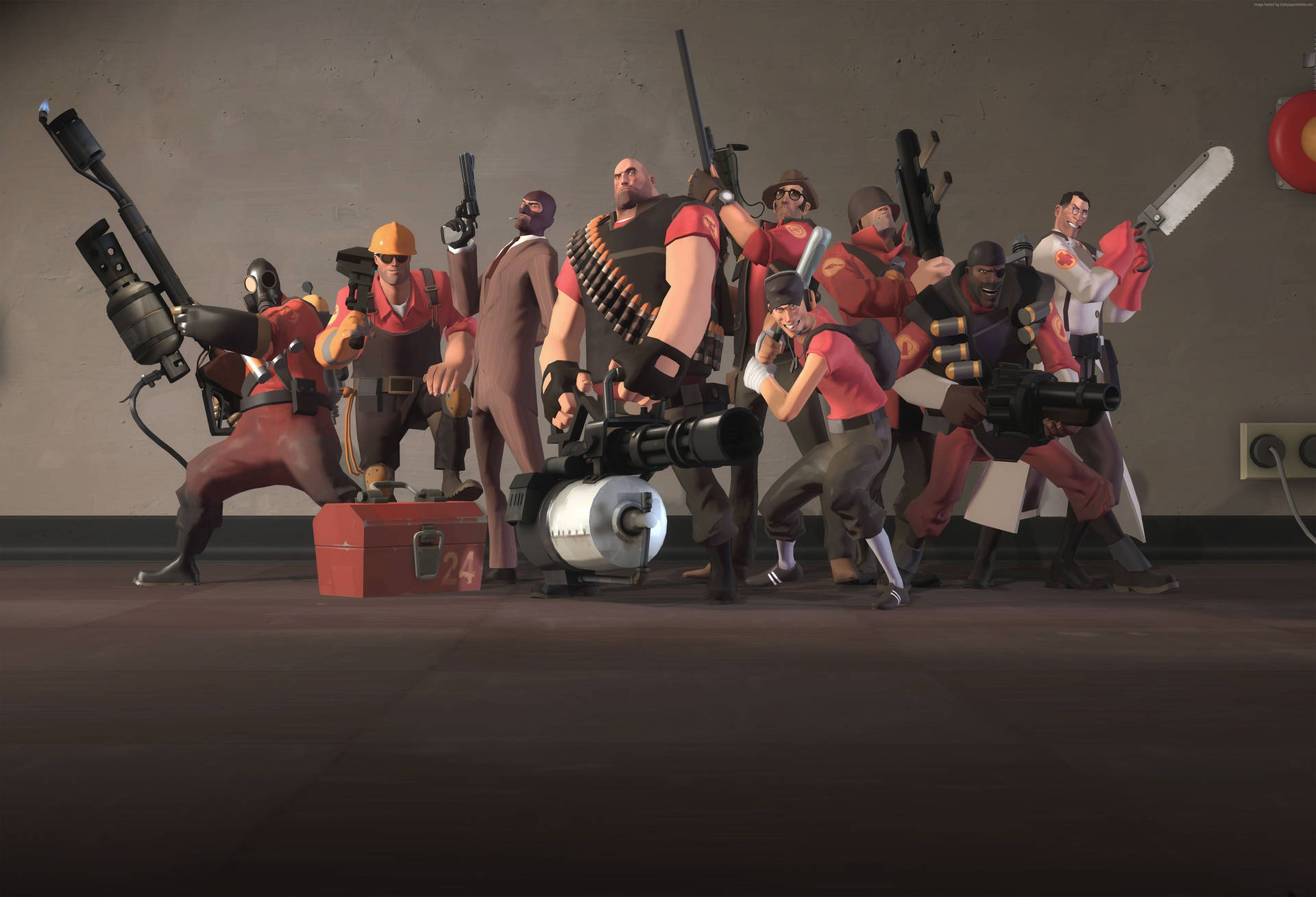













Team Fortress 2 hosting in Brazil with AMD Ryzen
Organize group matches on a VPS in Brazil. AMD Ryzen, NVMe SSD storage, and full access let you manage maps, rotations, and plugins compatible with TF2.
- Scout plan: 6 GB RAM, 3 AMD Ryzen vCPUs, and 80 GB NVMe SSD for R$ 159/month.
- Soldier plan: 8 GB RAM, 4 AMD Ryzen vCPUs, and 100 GB NVMe SSD for R$ 199/month.
- Pyro plan: 12 GB RAM, 5 AMD Ryzen vCPUs, and 180 GB NVMe SSD for R$ 299/month.
- Demoman plan: 16 GB RAM, 6 AMD Ryzen vCPUs, and 200 GB NVMe SSD for R$ 359/month.
- Heavy plan: 24 GB RAM, 8 AMD Ryzen vCPUs, and 260 GB NVMe SSD for R$ 549/month.
- Engineer plan: 32 GB RAM, 10 AMD Ryzen vCPUs, and 340 GB NVMe SSD for R$ 729/month.
Team Fortress 2 Hosting in Brazil
HypeHost Team Fortress 2 hosting provides an AMD Ryzen VPS in São Paulo to install and manage your TF2 server. With root access, NVMe, and a dedicated IP, you prepare the maps, plugins, and settings for your community.
The server processes games, players, and the additional features you install. AMD Ryzen provides high clock speeds for these tasks, while NVMe stores the game and maps. Every plan includes DDoS protection at the network edge.
Scout offers 6 GB of RAM, Soldier offers 8 GB, Pyro offers 12 GB, Demoman offers 16 GB, Heavy offers 24 GB, and Engineer offers 32 GB. Your choice depends on maps, game modes, plugins, and concurrent players.
Choose Windows Server for RDP access or Linux for SSH access. Plans have no long-term commitment and include a 7-day money-back guarantee. You receive a VPS to install and manage your server; the game is not preinstalled.
What Is a TF2 Host?
A Team Fortress 2 host keeps the server available to your community without relying on the administrator’s computer. It runs games and stores maps, plugins, and game settings.
HypeHost provides a VPS with administrator access. You handle installation, updates, backups, and restarts and choose how to organize your community games.
How to Create a Team Fortress 2 Server
After ordering your VPS, connect to Windows through RDP or Linux through SSH. Install SteamCMD and download the TF2 dedicated server. Configure the server name, access ports, starting map, and game rules.
Prepare the map rotation and, if your project uses plugins, install compatible SourceMod and Metamod:Source versions. Check dependencies and test a connection before opening the server to your community.
Use the VPS panel to manage the machine. The console and RCON let you run commands, while file and log access make settings adjustments and backups easier.
SourceMod, Metamod:Source, and TF2 Plugins
SourceMod and Metamod:Source let you expand server administration and features with compatible plugins. Choose the features your community needs and follow each project’s installation instructions.
File access gives you the freedom to adjust settings and keep plugins updated. Test changes and monitor CPU and RAM, especially after game and plugin updates.
Mapcycle, Custom Maps, and Downloads
The mapcycle organizes your server map rotation. Combine official and custom maps compatible with the game modes and adjust the sequence of games for your community.
Custom maps can require files players do not have yet. Configure distribution of that content and test downloads when joining the server. Keep files organized and compatible with the map version in use.
Standard Modes, Mann vs. Machine, and Community Games
Payload, Control Point, and Capture the Flag use their own maps and rules. Mann vs. Machine and custom modes can also be configured, following each mode’s files and requirements. A VPS gives you access to adjust the server and install the necessary plugins.
DDoS Protection for a Team Fortress 2 Server
Public servers can receive attacks aimed at overloading their connections. HypeHost protection operates at the network edge, using mitigation and traffic filters to reduce the impact of attacks on your VPS.
Every plan includes DDoS protection. For specific protection requirements or additional hardware resources, explore Anti-DDoS PRO or consider a dedicated server.
Which VPS Should You Choose to Host TF2?
Six AMD Ryzen plans to size your server for the maps, plugins, and community games.
RAM alone does not determine server capacity. Game modes, plugins, and concurrent players also use CPU. Monitor usage during games and, if your project needs exclusive hardware, consider Ryzen bare metal in São Paulo.
TF2 Hosting in São Paulo
Your VPS is in São Paulo, bringing the server closer to Brazilian players. HypeHost provides routes to Brazil and Latin America; ping also depends on the player's connection and internet provider.
Each VPS has a dedicated IP to publish your community address and organize server access. Resource upgrades keep the same IP.
VPS or Managed TF2 Hosting
Managed hosting with a game panel can simplify the initial installation. A VPS suits administrators who want to choose the operating system and manage the game, plugins, and files directly.
With a VPS, you handle TF2 installation, updates, and configuration. In return, you receive administrator access and resources defined by your plan, with the freedom to use your own tools and prepare your community games.
How to size a VPS for Team Fortress 2
A Team Fortress 2 server uses resources for the game, operating system, and any services you install. Maps, modifications, and concurrent players change processing and memory requirements.
Compare the full set of resources and monitor usage during busy hours. Leave disk space for game files, updates, and data copies; keep a backup outside your VPS as well.
AntiDDoS and hosting in São Paulo
Infrastructure in São Paulo brings your server closer to Brazilian players. Every plan on this page includes AntiDDoS protection to help keep connections available during attacks.
Latency also depends on player location and each carrier’s routing. Test connections with your community and keep your operating system and services updated.
Control your files and configuration
Administrative VPS access lets you install the Team Fortress 2 version and compatible add-ons your project needs. You control files, permissions, updates, and game settings.
The service provides infrastructure and your selected operating system. You are responsible for game installation and administration, required files, and their licenses. HypeHost support handles infrastructure issues.
Plan for community growth
New maps, modifications, and services can increase resource usage. Review your configuration after major changes and before events with more players.
Monthly, quarterly, semiannual, and annual cycles let you choose your billing period. For longer cycles, the displayed monthly amount is a reference: the full period total appears on the plan before ordering.
Compare plans for your Team Fortress 2 server
Check each plan’s resources, choose a billing cycle, and use its order link. Contact our sales team if you need help comparing infrastructure options.
View plans